Markdown, beautifully rendered
in your terminal
A terminal-based Markdown previewer with a GUI-like experience. Rich rendering, interactive navigation, and editor integration, all without leaving your terminal.
Terminal Markdown previewer, GUI-like experience.
leaf lets you read Markdown files directly in the terminal with a clean, focused interface. Designed for developers, CLI users, and AI-assisted workflows.
Why leaf ?
Leave your terminal to preview?
Previewing Markdown shouldn't mean switching to a browser or a heavy GUI app.
Web viewers are overkill
For a quick preview, you don't need a full web application with login and setup.
CLI tools lack interactivity
Existing terminal tools dump Markdown as plain text: no navigation, no search, no style.
Syntax highlighting
Beautiful code blocks with syntax coloring for 40+ languages. Line numbers, decorative frames, and language labels included.
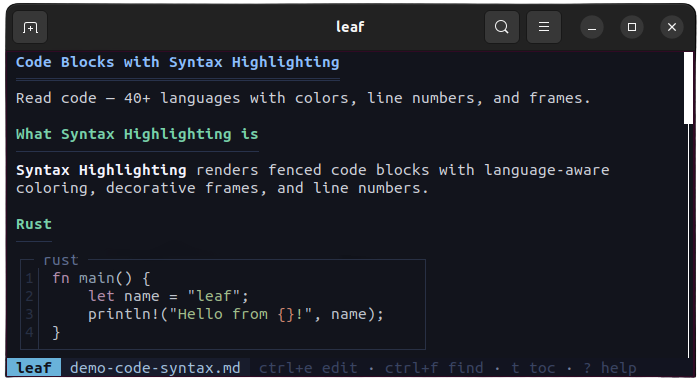
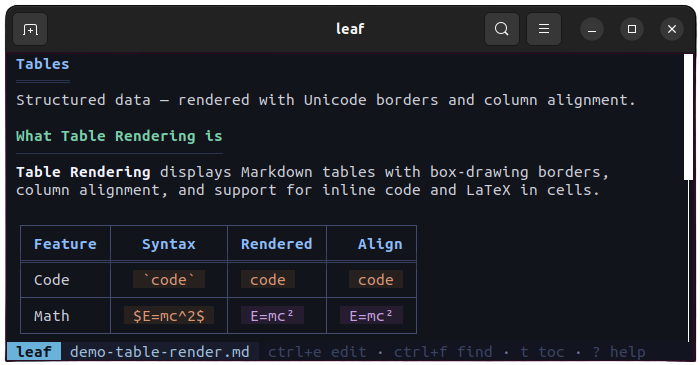
Table rendering
Markdown tables rendered with Unicode box-drawing borders, column alignment, and inline code support.
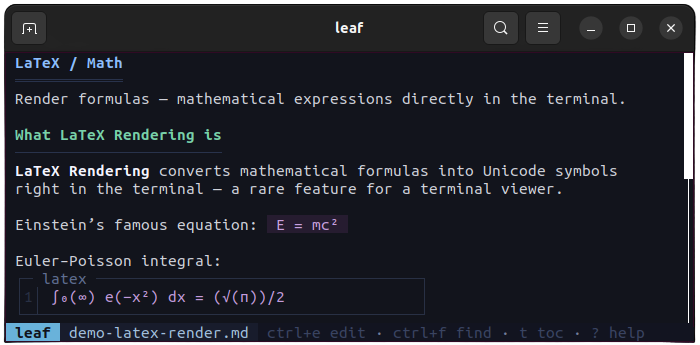
LaTeX math
Inline and block math formulas converted to Unicode symbols, no external renderer needed.
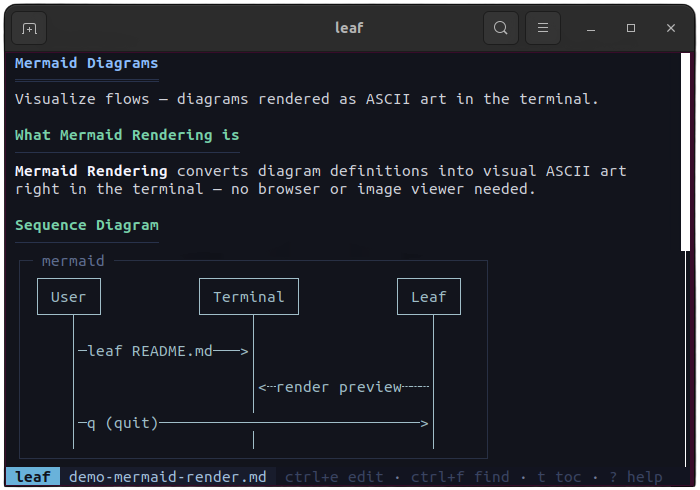
Mermaid diagrams
Flowcharts, sequence diagrams, and pie charts rendered as ASCII art directly in the terminal.
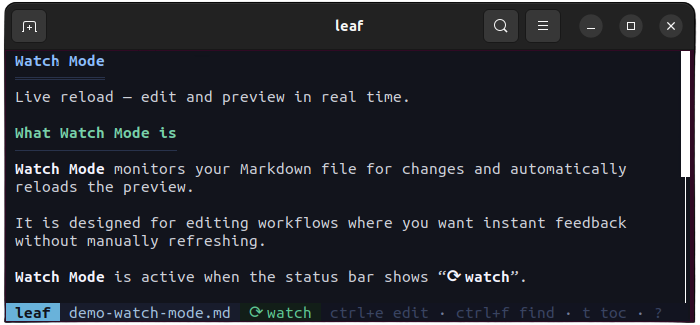
Watch mode
Auto-reload when the file changes on disk. Scroll position is preserved. Toggle with -w flag or press w.
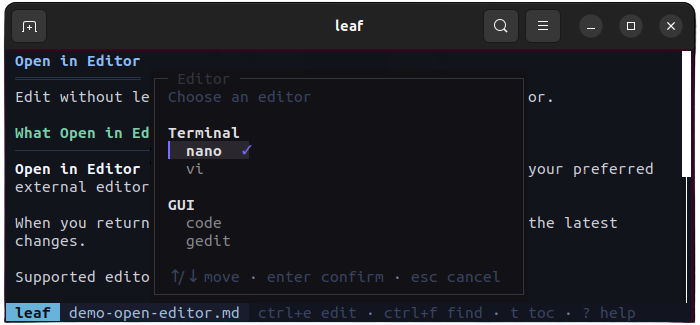
Editor integration
Press Ctrl+E to open in your editor. leaf detects vim, nano, VS Code, and more, reloads preview on return.
File picker
Fuzzy finder with Ctrl+P or directory browser with --picker. Scan and open any Markdown file instantly.
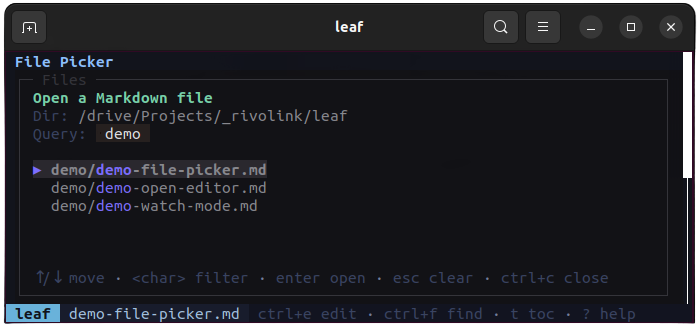
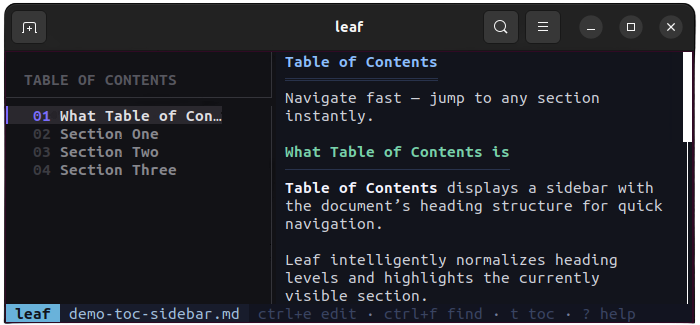
Table of contents
Sidebar TOC with heading hierarchy and active section tracking. Toggle with t, jump with 1-9.
Full-text search
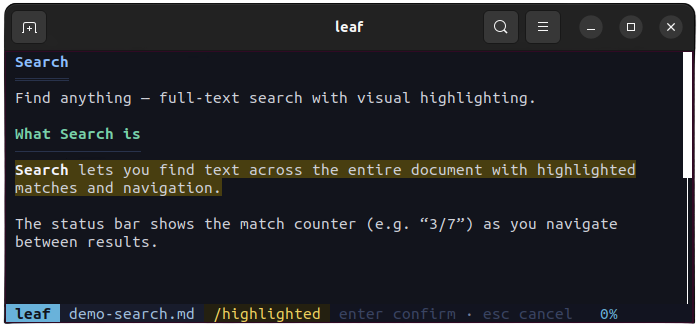
Press / to search. Matches are highlighted with a counter. Navigate with n/N.
Keyboard navigation
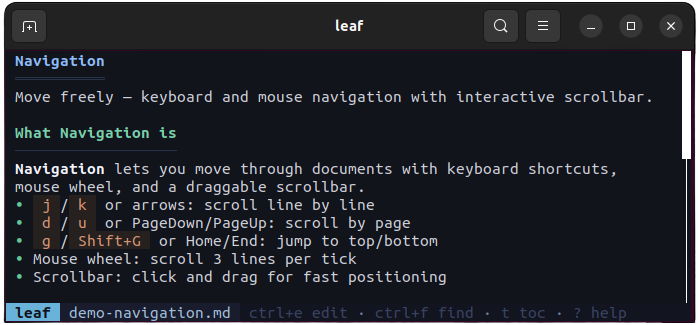
Vim-like keybindings: j/k, d/u, g/G. Mouse scroll and scrollbar click supported too.
Theme picker
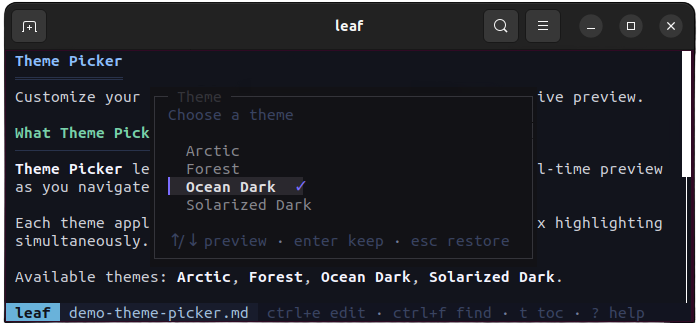
4 built-in themes: Arctic, Forest, Ocean, Solarized-Dark. Live preview with Shift+T.
Everything you need
Syntax Highlighting
40+ languages with beautiful color themes.
4 Built-in Themes
Arctic, Forest, Ocean, Solarized-Dark with live preview.
Full-text Search
Find anything with highlighted matches and keyboard navigation.
TOC Sidebar
Interactive table of contents with active section tracking.
Stdin Support
Pipe output from any tool (claude, aichat, cat) directly into leaf.
Secure Auto-update
One-command update with SHA256 verification.
Install in seconds
curl -fsSL https://leaf.rivolink.mg/install.sh | sh Built for developers
Preview AI output
Pipe output from Claude, ChatGPT, or any AI tool directly into a beautiful preview.
Read docs while coding
Preview your README, CHANGELOG, or any docs with live reload as you edit.
Explore Markdown projects
Open fuzzy finder, navigate directories, and preview any Markdown file instantly.
Frequently Asked Questions
What platforms does leaf support?
How do I update leaf?
Can I customize the appearance?
Does leaf support piping from stdin?
Is leaf open source?
Try leaf now
Install in one command and start previewing Markdown in your terminal.
curl -fsSL https://leaf.rivolink.mg/install.sh | sh